The simplest way to learn how to track job applications is to keep one row per application with nine columns: company, role, posting link, date applied, which resume version you sent, your contact there, current status, next action and the follow-up date. Review the sheet once a week on a fixed day, move every row forward or close it, and log interviews and networking contacts on their own tabs. That is the whole system; the rest of this post is the detail that makes it hold up past week three.
A tracker is not a scoreboard, and application counts are not the point. It exists so that follow-ups happen on time, interview prep starts from what you actually sent, and a rejection becomes a note rather than a mood.
Why tracking matters more than it seems
Three things go wrong in a job search that runs on memory. Follow-ups slip, because the day you applied blurs with the other days you applied. Tailoring breaks, because you cannot remember which version of the resume went to which company, and an interviewer is reading a document you cannot picture. And interview prep starts from zero each time, because the research you did before applying lives in a closed browser tab.
The numbers explain why the volume gets away from people. The Bureau of Labor Statistics reported 7.1 million job openings and 5.2 million hires in August 2026, with 1.6 million layoffs and discharges in the same month. A search in that market usually means dozens of applications over several months, each with its own timeline, and that is more than anyone should hold in their head.
Career offices make the same point in plainer terms. The University of Utah Career and Professional Development Center advises creating a spreadsheet or using a tracking tool to monitor the status of each application, because it helps you assess progress and prioritize where to focus your effort, and it suggests a polite follow-up email if you have not heard back within a week or two. The University of Houston Rockwell Career Center describes an applicant who tracked 183 applications in one summer and could not have kept them straight without a sheet.
How to track job applications: the columns that earn their place
Every column should answer a question you will actually ask later. Here are the nine that do, with the question each one answers.
- Company. Who is this, and have I applied here before? Keep the legal or common name consistent so you can sort by it.
- Role. The title as posted, plus the requisition or job ID if there is one; large employers reuse titles.
- Link. The posting URL, and a saved copy or screenshot of the description, because postings come down and the description is what you prep from.
- Date applied. The anchor for every follow-up date in the row.
- Resume version sent. A file name like Resume-Hybrid-DataOps-v3. This is the column people skip and regret most at interview time.
- Contact. The recruiter, hiring manager or referral, with how you reached them and the date.
- Status. One value from a short fixed list, described in the next section. Free text here destroys the ability to filter.
- Next action. One verb and one object: send thank-you note, confirm panel time, follow up on application.
- Follow-up date. The date you will take the next action if nothing happens first. The weekly review sorts on this column.
Optional columns that help some searches: salary range from the posting, source (job board, referral, direct), and a one-to-three interest rating so you know which rows to chase first when time is short. Resist adding more than two or three. A tracker that takes five minutes to update stops being updated.
The status stages
A fixed status list is what makes the sheet filterable and keeps the weekly review honest. Six to eight stages are enough; more than that and you spend time deciding which label applies.
| Status | Means | Default next action |
|---|---|---|
| Saved | Posting found, not yet applied | Decide by the posting's close date or within 7 days; tailor the resume |
| Applied | Application submitted | Follow up if silent after one to two weeks |
| Screen | Recruiter call or assessment scheduled or completed | Confirm time; send a thank-you note within a day |
| Interview | One or more interviews scheduled or completed | Log each round on the interview tab; thank-you note within 24 hours; follow up on next steps after a couple of weeks |
| Offer | Verbal or written offer received | Request it in writing; compare on the offer grid; set a response date |
| Closed: declined | You withdrew or declined | Note why, for the next search |
| Closed: rejected | Employer passed or went silent past your cutoff | Record stage reached; keep the contact if the conversation was good |
The follow-up intervals in that table are the ones the career offices above suggest: a week or two after applying, a thank-you note within 24 hours of an interview, and a check on next steps after a couple of weeks of silence. Set them once in your tracker and stop re-deciding them for every row.
The weekly review, in twenty minutes
Pick one day and one time, and treat the review as the job search's only fixed appointment. Sort by follow-up date. For every row dated today or earlier, do the next action or consciously push the date, and write down why you pushed it. Then update statuses for anything that moved during the week, log any new contacts or interviews, and mark rows closed that have passed your silence cutoff.
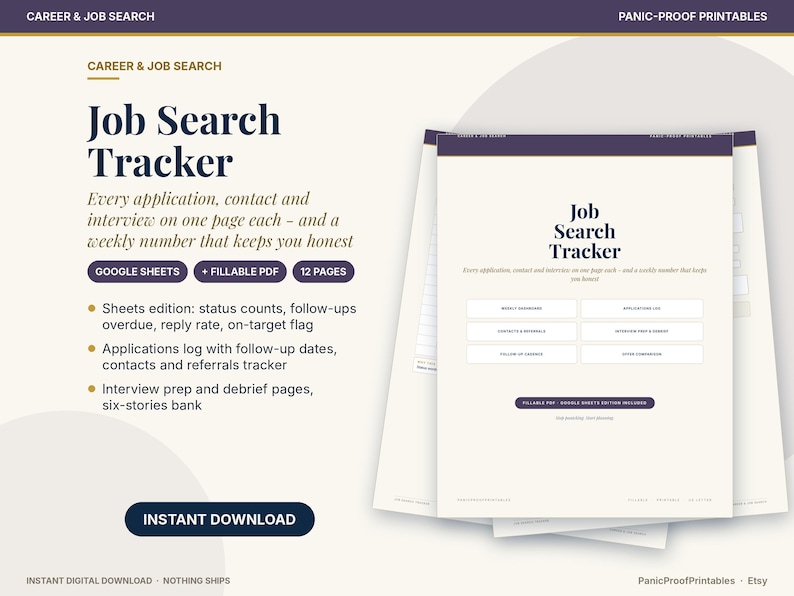
Finish by looking at the whole sheet rather than the rows. Which sources produced screens, and which produced nothing. Which resume version is getting responses. Whether the saved-but-not-applied rows are piling up, which usually means the postings are not a fit and can be cleared. The Job Search Tracker has a dashboard tab that totals rows by status and by source, so this last step is a glance rather than a count.
Logging interviews and networking contacts
Interviews need more room than a cell. Give each one its own entry with the date, format, interviewer names and roles, the questions asked, your answers that landed and the ones that did not, anything they said about the team or timeline, and the thank-you note sent and when. Write it within an hour of hanging up. By the second round, this log is your prep document, and by the fifth interview at the fifth company it is the only reliable memory you have of what you told whom.
Networking contacts belong on a separate tab, because a person is not an application. Record the name, company, how you know them or who introduced you, the date of the last contact, what you discussed, what you offered or asked, and the next touch date. The useful habit is to link contacts to applications: when a contact tells you about a role, that application's contact column points back to them, and a thank-you after the decision, either way, is already on your list.
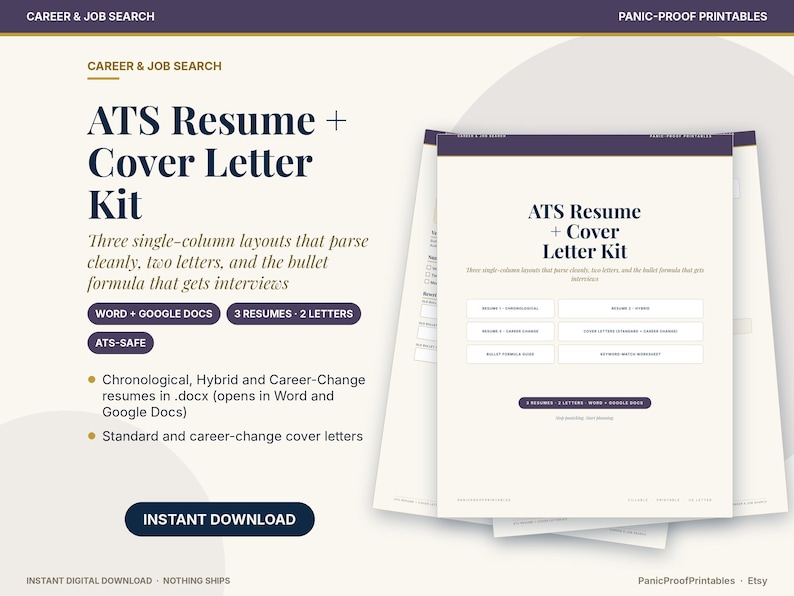
Keep a short stories bank alongside the interview log: eight to twelve examples from your work, each tagged with the competencies it shows. When an interviewer asks for a time you handled conflict, you are choosing from a list rather than searching your memory under pressure. The ATS Resume Kit uses the same examples for the resume bullets, so the two documents stay consistent.
What to do with rejections
Record the stage you reached and the date, then close the row. That is the entire required action. The optional actions are worth more over time: if a human was involved, send a two-line thank-you and ask whether they would be open to hearing from you about future roles. If the rejection came after interviews, add one line to the interview log about what you would do differently, written as a fact and not a verdict.
Every few weeks, filter the closed rows. If rejections cluster at the application stage, the resume or the targeting is the problem. If they cluster after the first interview, the stories bank needs work. If they cluster at the final round, you are close, and the fix is usually in how you close rather than in what you know. Rejections are data about the process, and a tracker is what turns them from events into a pattern you can act on.
Spreadsheet or fillable PDF
Both work; they fail in different ways. A spreadsheet sorts and filters, totals rows by status and source, and can be shared with a partner or a coach. It is the better choice for a search with more than about fifteen active rows, or for anyone who likes to see the funnel. Its failure mode is sprawl: columns multiply, and the file becomes a project in itself.
A fillable PDF is one page per thing: an application, an interview, a week. It prints, it works on a tablet, and it is hard to over-engineer. It is the better choice for people who think on paper or who find a grid of forty rows harder to face than a page of five. Its failure mode is that it does not total anything, so you review by reading rather than by filtering.
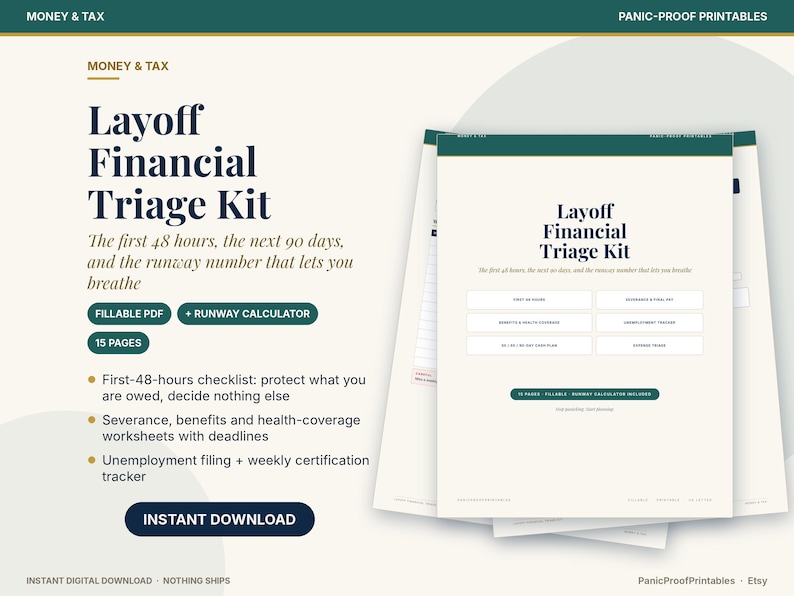
A practical split is to run the spreadsheet as the system of record and the PDF for the interview pages and the weekly review, which is how our Job Search Tracker is packaged. If the search started with a layoff, the weekly review also pairs with the runway check in the Layoff Financial Triage Kit, since the two dates that matter most in a search are the next interview and the month the runway runs out.
The rest of our career and job search tools cover the resume and cover letter side of the same process.
Frequently asked questions
- How soon should I follow up after applying for a job?
- University career offices commonly suggest a polite follow-up email if you have not heard back within a week or two of applying, a thank-you note within 24 hours of an interview, and a check on next steps after a couple of weeks of silence. Set those intervals once in your tracker's follow-up date column.
- What columns should a job application tracker have?
- Company, role, posting link, date applied, resume version sent, contact, status, next action and follow-up date. Optional extras are salary range, source and an interest rating. Keep the status column to a fixed list so you can filter it.
- Should I use a spreadsheet or a printable tracker?
- A spreadsheet is better once you have more than about fifteen active applications or want totals by status and source. A fillable PDF is better for interview notes and the weekly review, and for anyone who prefers one page per item. Many people run both.
- What should I record when I get rejected?
- The stage you reached and the date, then close the row. If a person was involved, a two-line thank-you asking to stay in touch is worth sending. Every few weeks, filter the closed rows to see where rejections cluster; that tells you whether to fix the resume, the interview stories or the close.
Sources
- U.S. Bureau of Labor Statistics, Job Openings and Labor Turnover Summary, August 2026 (released 9/29/2026)
- University of Utah Career and Professional Development Center, Applying for the Job: A Step-by-Step Guide
- University of Houston Rockwell Career Center, This Spreadsheet Is Exactly What You Need to Track Everything in Your Job Search
This article is organizing guidance, not legal, medical, tax or financial advice. For advice about your situation, talk to a licensed professional.